CH 01How to Watch
How to Check When a Film or Show Is Leaving a Streaming Service
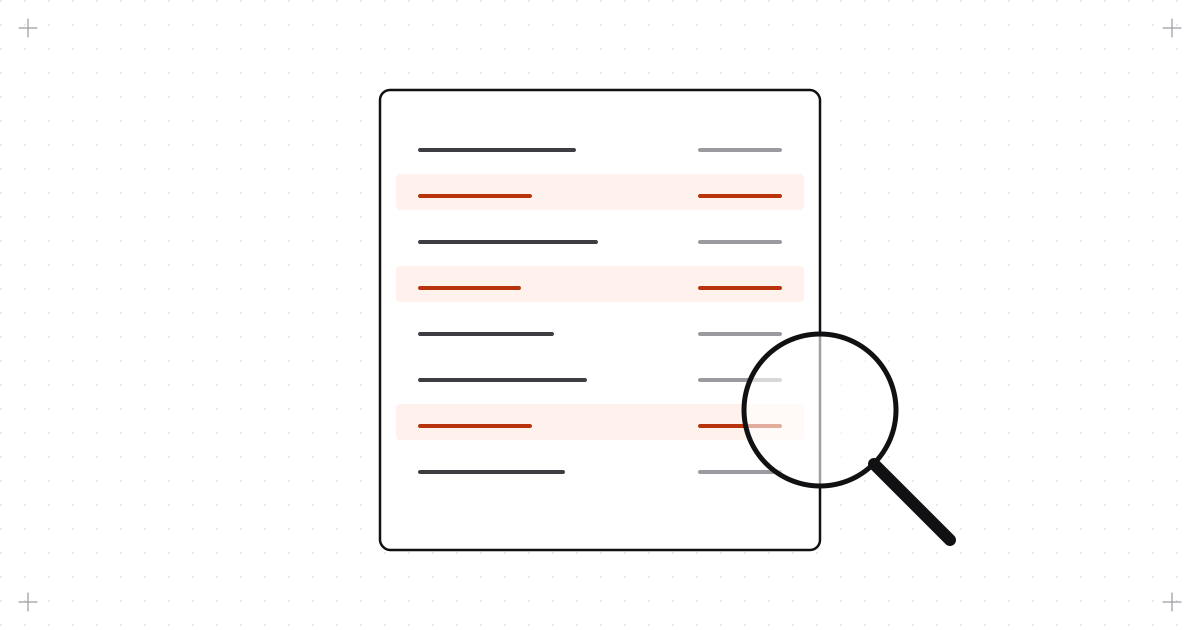
Netflix, HBO Max, Hulu and Tubi each flag departing titles in a different place. Prime Video, Disney+, Peacock and Paramount+ document no warning at all.
Field guide to home viewing Updated October 8, 2026
Your television, your streaming apps and your subscriptions all ship set up for somebody else. None of it is hard to fix. It is just badly documented, so we document it, one menu at a time, from the maker’s own manual.
Errata Corrections to the common advice
Most guides say: You need HDMI eARC for Dolby Atmos.
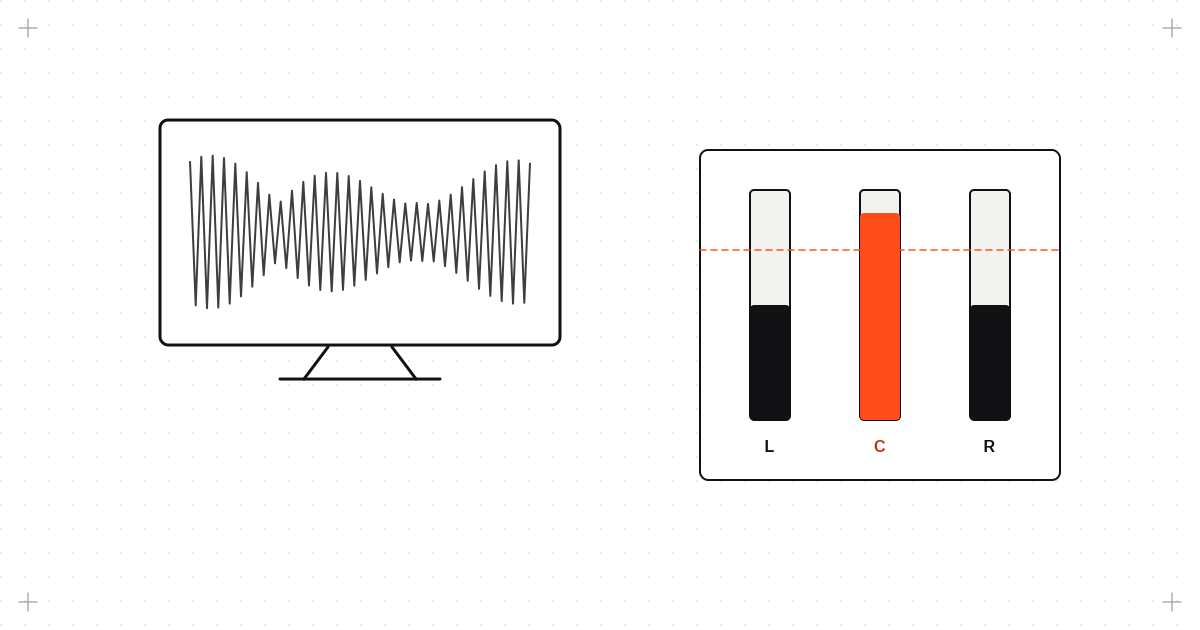
The manual says: Not for streaming. Services send Atmos inside Dolby Digital Plus, which plain ARC carries.
ProofMost guides say: Fix the picture once and you are done.
The manual says: Most sets store separate picture settings for SDR and HDR, and often for each input.
ProofMost guides say: Zoom gets rid of the black bars.
The manual says: It does, by pushing about a quarter of the picture off the sides of the screen.
ProofMost guides say: Make the subtitles bigger in the Netflix app.
The manual says: On most devices size, colour and background are set in the device’s own accessibility menu.
ProofMost guides say: The Netflix Top 10 shows what was watched most.
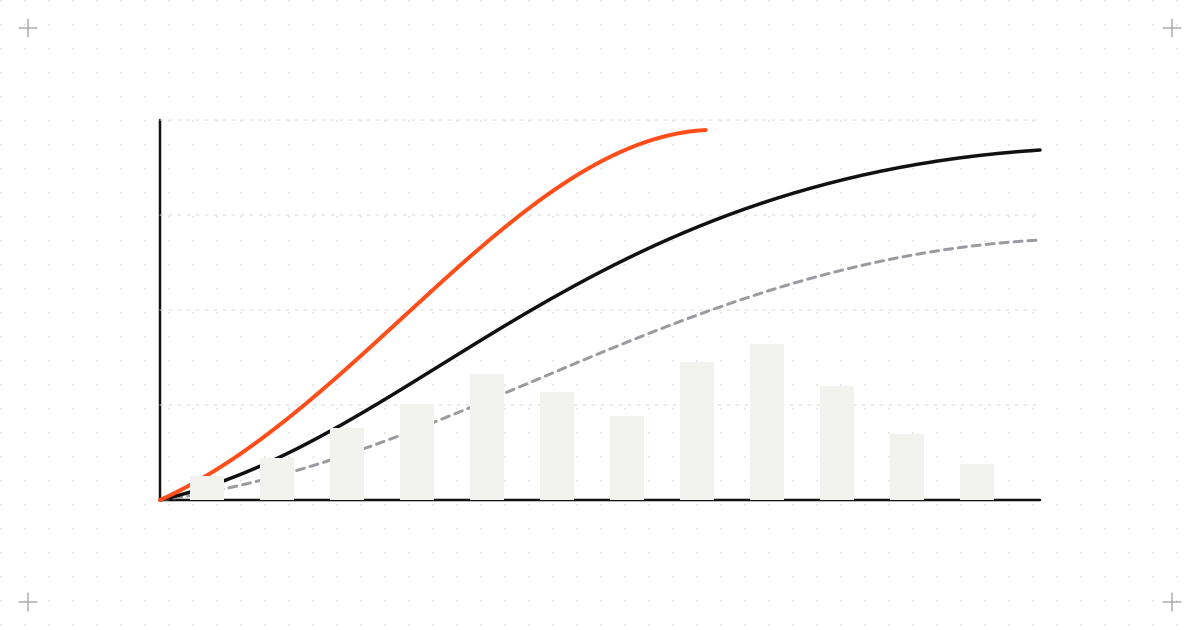
The manual says: It ranks by views, hours divided by runtime, which favours short titles over long ones.
ProofMost guides say: Cancelling a subscription deletes your profiles.
The manual says: Cancelling and deleting the account are separate steps, and only deleting removes everything.
ProofFix 01 The 30-second fix
Your television invents frames that were never filmed and slots them between the real ones. Every brand calls the setting something different, which is why nobody can find it. Pick yours.
Look for Auto Motion Plus
Or Custom with Judder Reduction at 0, which keeps Blur Reduction for panning shots.
Look for TruMotion
Look for Motionflow
Look for Motion Control
Look for Action Smoothing
Look for Motion Smoothing or MEMC
Look for Intelligent Frame Creation
Look for Perfect Natural Motion or Natural Motion
Reel 01 Now showing
CH 01How to Watch
Netflix, HBO Max, Hulu and Tubi each flag departing titles in a different place. Prime Video, Disney+, Peacock and Paramount+ document no warning at all.
CH 03Picture and Sound
CH 04Save Money
CH 03Picture and Sound
CH 03Picture and Sound
CH 02Streaming Tips
CH 01How to Watch
Guide Programme listings
5 guides
9 guides
8 guides
5 guides
3 guides
Fix 02 Black bars
Lab Tools that run in your browser
Each tool came out of a guide where the honest answer was a procedure rather than a paragraph. They send nothing anywhere, and the rules they follow are printed on the page so you can check them.
Tool 01
Walk your own signal chain and get the specific link that is stopping Atmos, not a checklist of everything it might be.
Tool 02
Enter your trip and see when to download, and why testing a download by playing it is the thing that breaks it.
Tool 03
Hold hours viewed constant, stretch the runtimes, and watch views fall and ranks slide. The denominator, made adjustable.
Protocol How a guide is made
Reelio is one person and a strict method. The method is dull, and it is the whole point.
Step 01
Menu paths come from Samsung’s, LG’s or Netflix’s own support pages, and we link them. Guides that copy guides are how a renamed setting outlives the screen it describes.
Editorial policiesStep 02
Some services expose no switch for the thing you want to turn off. That is an unsatisfying sentence to publish, and it beats sending you to look for something that is not there.
An exampleStep 03
No subscription prices, because they change several times a year, and no release date that nobody has announced. We explain the mechanism and link the official page for the number.
About ReelioStep 04
When something is wrong it is fixed at the foot of the article, signed and dated, and listed in a public index so the trail can be checked.
Corrections log