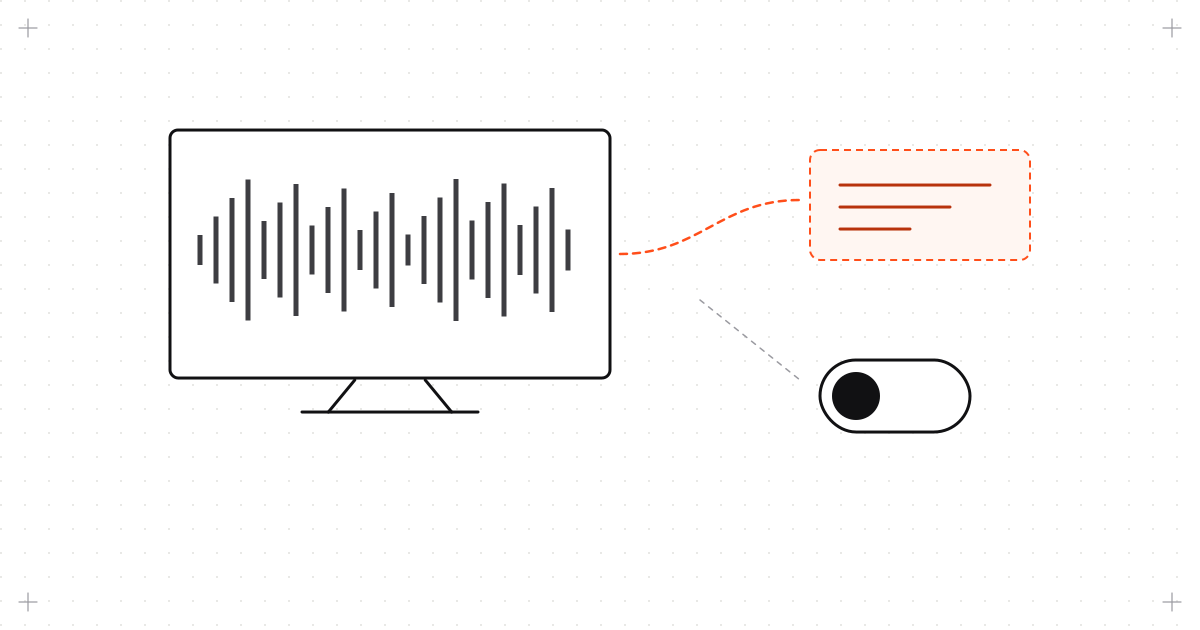
The feature is called automatic content recognition, or ACR, and almost no television uses that name in its menus. Samsung calls it Viewing Information Services. LG ties it to a Viewing Information agreement. Vizio calls it Viewing Data, and Roku files it under Smart TV Experience. Switch it off and the set stops identifying what's on its own screen.
It does nothing about the apps, which keep their own records of what you watch in them.
What ACR is, and why it sees your cable box
ACR works by fingerprinting. The television samples what it's showing, boils the sample down to a compact signature and matches that against a database of programs and commercials. Roku's own analogy is a song-identification app like Shazam, and its version fingerprints a sample of screen pixels. LG's fingerprints the audio instead, through the set's internal audio processor, and LG says it collects no screenshots or recordings. Only content in the database can match, which is why Roku notes that personal videos won't.
Because the TV is analyzing its own output, the source doesn't matter. Roku's disclosure covers the antenna and anything plugged in, cable and satellite boxes included. Vizio's privacy policy names a streaming stick in an HDMI port. Hisense's notice lists set-top boxes, media players, game consoles and over-the-air broadcasts. The data mostly feeds advertising. Roku says it may share viewing data with third parties to measure ads, and pass partners audience segments built from it. Hisense uses it to target ads on other devices that share the TV's IP address.
The best-documented case is Vizio's. In February 2017 the company settled charges brought by the Federal Trade Commission and New Jersey's attorney general. According to the complaint, Vizio sets made from February 2014 captured second-by-second information about what was on screen, whether it arrived from cable, a set-top box, a DVD player, an antenna or a streaming device. Vizio then sold that data, with demographic details attached, to third parties whose uses included targeting ads across devices. The setting involved was called Smart Interactivity, promoted as a feature that "enables program offers and suggestions." The order required prominent disclosure and affirmative express consent. Samsung, LG, Vizio, Roku and Hisense now all describe ACR as opt-in. Opt-in means a consent box on a setup screen, though, so a TV can be collecting with your permission even if you don't remember giving it.
The switch on each brand
Like motion smoothing, the ACR control goes by a different name on every brand. Most have two settings worth changing: one stops recognition, the other stops ads being built from it.
| Brand | What it's called | Where it lives |
|---|---|---|
| Samsung | Viewing Information Services, plus Interest-Based Advertisements | Settings; Samsung documents Terms & Privacy for the ad consent |
| LG | Viewing Information agreement, plus Live Plus | Settings, All Settings, Support, Privacy & Terms, User Agreements |
| Vizio | Viewing Data | All Settings, Privacy & Legal (Admin & Privacy on older sets) |
| Roku TV | Smart TV Experience | Settings, Privacy, Smart TV Experience |
| Fire TV smart TVs | Over-the-air viewing data, Interest-based Ads | Settings, Preferences, Privacy Settings |
| Sony Google TV | Samba Interactive TV, where present | Its own entry in Settings |
| Hisense Google TV | Enhanced Viewing | Settings, System, Advanced System, Enhanced Viewing |
| TCL Google TV | No ACR switch documented | Google's Privacy settings |
| Any Google TV | Advertising ID | Settings, Privacy, Ads |
Samsung
Samsung's ACR page says Viewing Information Services runs only if you agreed to it during setup and can be turned off in Settings, without naming the screen. The companion consent matters as much, because Samsung's privacy notice says agreeing to both lets your viewing history choose your ads. The notice does give a path for that one.
- Open Settings.
- Select General & Privacy, then Terms & Privacy. On some models Terms & Privacy sits directly under Settings.
- Turn off Interest-Based Advertisements.
For Viewing Information Services, Samsung points to the Privacy Choices app on the Smart Hub start screen as the place to check and change how your data is used. Start there.
LG
LG splits the job between two agreements. ACR stays off until you accept the Viewing Information agreement, and ads built from it need a second one, the Interest-Based Cross Device Advertising agreement, according to LG's privacy statement. LG's help page gives the path to its user agreements, which varies slightly by model year.
- Press Settings on the remote and choose All Settings.
- Select Support, then Privacy & Terms, then User Agreements.
- Withdraw from Viewing Information and any other optional agreement you don't want.
Then turn off Live Plus, which LG describes as extras tied to what you're watching, interactive ads among them. LG places it under General, System, Additional Settings on 2021 to 2023 sets, and under General, Additional Settings on older ones. Some models don't have it.
Vizio
Vizio's privacy policy gives the path.
- Open All Settings.
- Select Privacy & Legal. Older sets call it Admin & Privacy.
- Turn Viewing Data off.
The ad control is separate: Limit Ad Tracking, under Privacy & Legal, then Advertising, stops Vizio's own platform from tailoring ads, though not the apps. If you sign in with a Walmart account, opting out of data sales there doesn't stop collection; only the Viewing Data switch does.
Roku TVs
Every brand of Roku TV works the same way.
- Press Home, then open Settings.
- Select Privacy, then Smart TV Experience.
- Clear the checkbox. Depending on the software version it reads Use info from TV inputs or Automatic Content Recognition (ACR).
The same switch is on the web at my.roku.com, under Privacy Settings. Turning it off has no effect on personalized ads, Roku says. That's a separate Personalized Ads setting in the same Privacy menu, and older Roku documentation describes a Limit Ad Tracking setting doing a similar job. Switching ACR off also ends More Ways to Watch, which suggests streaming versions of what's on live TV.
Fire TV smart TVs
Amazon's privacy FAQ puts all of Fire TV's switches on one screen.
- Open Settings, then Preferences, then Privacy Settings.
- Turn off Device Usage Data, Collect App Usage Data and Interest-based Ads.
- On a smart TV with Fire TV built in, opt out of over-the-air viewing data on the same screen. It covers what you watch through an antenna connected to the set.
Amazon adds that the device usage switch doesn't cover what you do in Prime Video, which has its own settings.
Sony
Many of Sony's Google TV sets sold in Europe carry Samba Interactive TV, an ACR service run by a separate company, Samba TV. Sony's UK support page says it recognizes content from the TV's tuner, installed streaming apps and anything connected over HDMI, and that it can be disabled at any time from its own entry in settings, where Sony's instructions have you choose Disagree and disable. Sony documents it for Europe. If your set has no such entry, use the Google TV controls below.
Hisense and TCL on Google TV
Hisense calls its ACR Enhanced Viewing. The manual for its U6H Google TV gives the path.
- Press the settings button on the remote and open Settings.
- Select System, then Advanced System, then Enhanced Viewing.
- Turn off Automatic Content Recognition.
Hisense's automatic picture and sound modes ride on the same feature, so they go too. Resetting the TV's identifier, its notice says, doesn't stop relevant advertising; switching the feature off is what withdraws consent.
TCL's US privacy policy doesn't mention ACR, and its Google TV settings walkthrough lists no viewing-data switch, which leaves Google's own controls.
Google TV's own ad controls
These apply to every Google TV set.
- From the home screen, open Settings.
- Select Privacy, then Ads.
- Select Delete advertising ID, or Reset advertising ID to start over with a new one.
Google's help page is plain about the ceiling: "You can't turn off ads." Deleting the ID stops ads based on it, and apps can still use what you've shared with them.
What switching it off changes, and what it doesn't
It's one TV at a time. Vizio, Roku and Amazon each say the choice applies only to the device you change it on, so a second set needs its own visit.
The history may survive. Vizio deletes the stored Viewing Data logs for that set when you opt out. Roku keeps whatever it collected while the setting was on, and may still share it.
The ads don't stop. Opting out makes them less targeted. Vizio, Roku and Google all say you'll still see ads.
The apps keep their own records. Inside an app, the app does the watching: Netflix lists every title watched on each profile, and Roku warns that the companies behind the streaming channels you install may collect data on how you use them. LG says its ACR doesn't run inside apps such as Netflix and YouTube at all, which means the app is the only one watching there, not that nobody is. No TV menu reaches that layer, for the same reason some streaming defaults have no switch anywhere. What controls exist live in each app, starting with its viewing history and Continue Watching row.
Some features leave with it. Roku's More Ways to Watch needs ACR. LG says some voice commands, like asking for a channel number, can need the Viewing Information agreement, because the set has to know whether you're on live TV or an HDMI input.
A reset asks again. After a factory reset Vizio returns Viewing Data to off. On most of the other brands, setup is where these consent screens appear, so read them before tapping through. And while you're in the menus, the trailers that start playing by themselves are a separate setting kept per profile, which we cover service by service.