CH 03Picture and Sound
Dialogue Too Quiet? The Settings That Fix It, Brand by Brand
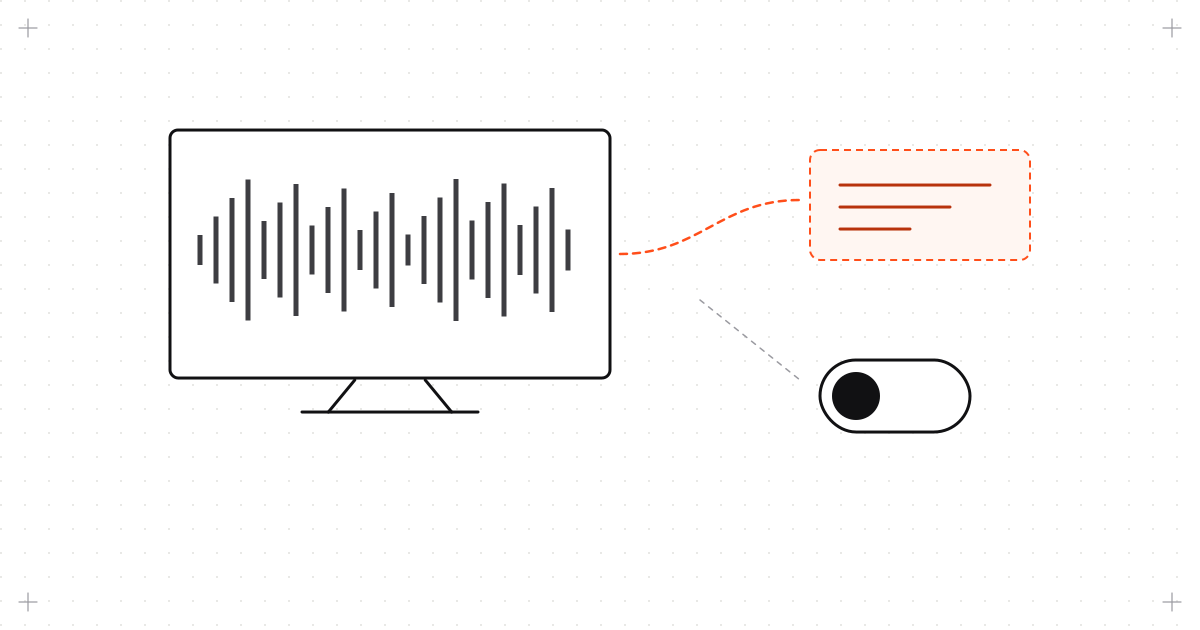
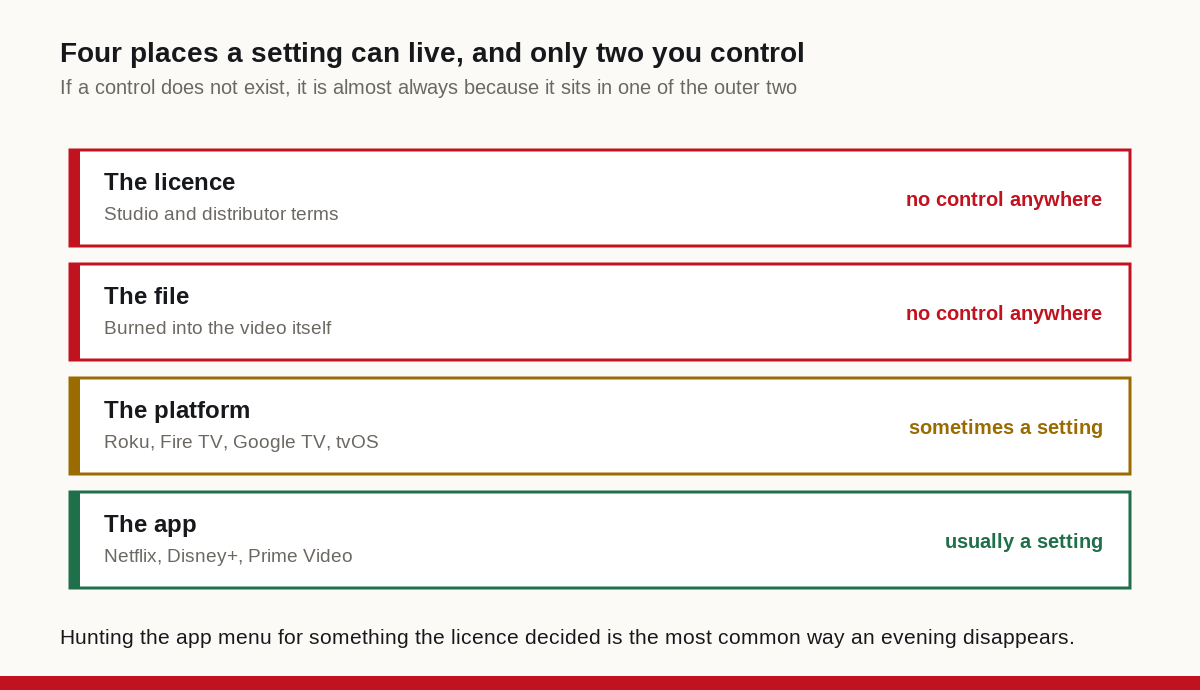
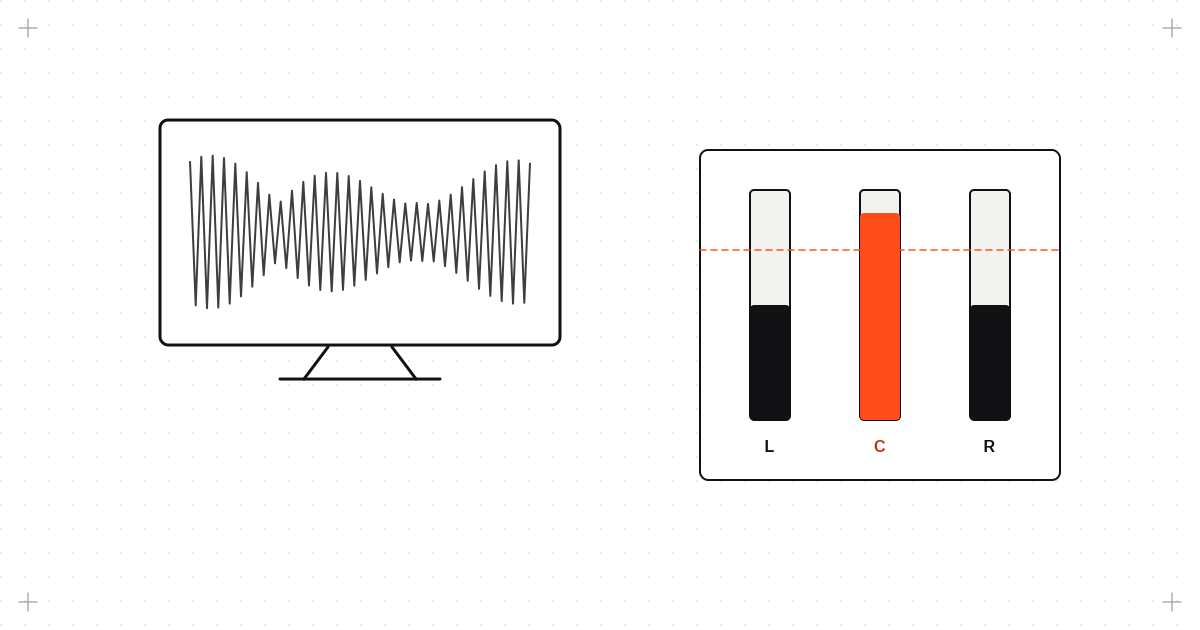
Quiet voices and loud explosions are built into how films are mixed. Two settings fix most of it, and every TV and streaming box names them differently.
Topic subject
Topic notes
Everything that sits between the film and the sofa: the television, the sound, the room, and the defaults that arrived switched on.
A new television is configured to sell itself. Vivid and Dynamic modes push contrast and saturation to survive shop-floor lighting, motion interpolation is on by default under a different trade name on every brand, and energy-saving features quietly dim the panel in exactly the low-light room where you actually watch films. None of that is a fault, and all of it can be turned off.
The pages here explain what each control does before telling you where it is, because the naming across this whole category is actively misleading. The most common example is the control marked Brightness, which on almost every set sold adjusts the black floor rather than light output, so raising it makes a dark film look worse rather than better.
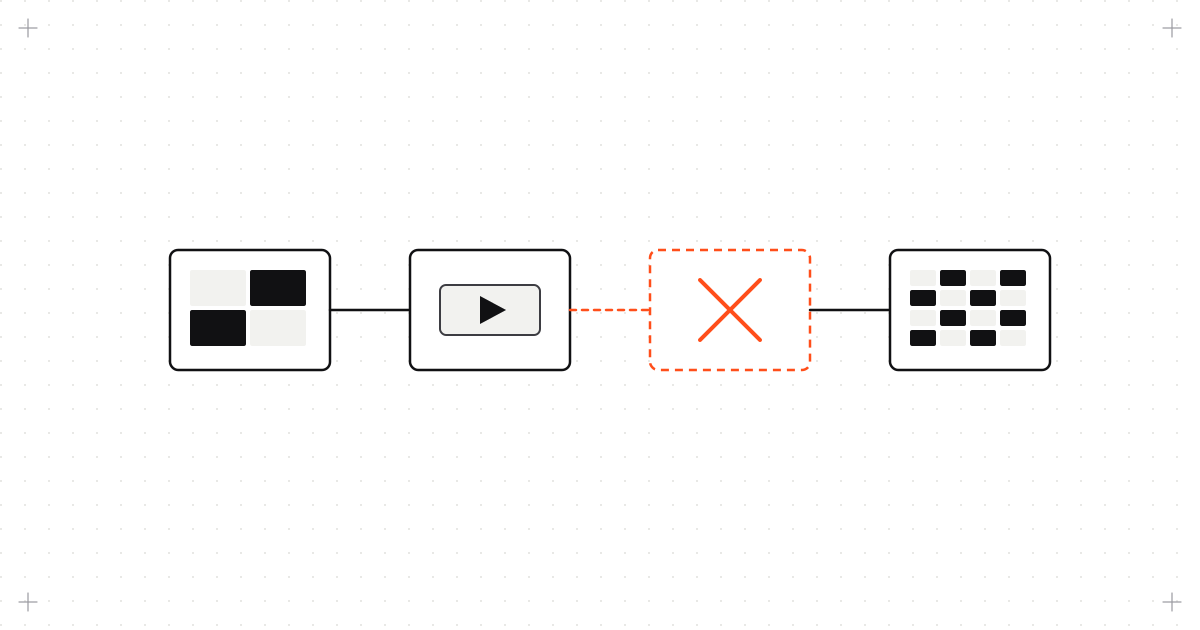
Audio gets the same treatment. Getting a surround format to actually arrive at your speakers depends on the path the signal takes, and the weakest link in that path decides the result no matter what the app claims to be sending.
CH 03Picture and Sound
Quiet voices and loud explosions are built into how films are mixed. Two settings fix most of it, and every TV and streaming box names them differently.
CH 03Picture and Sound
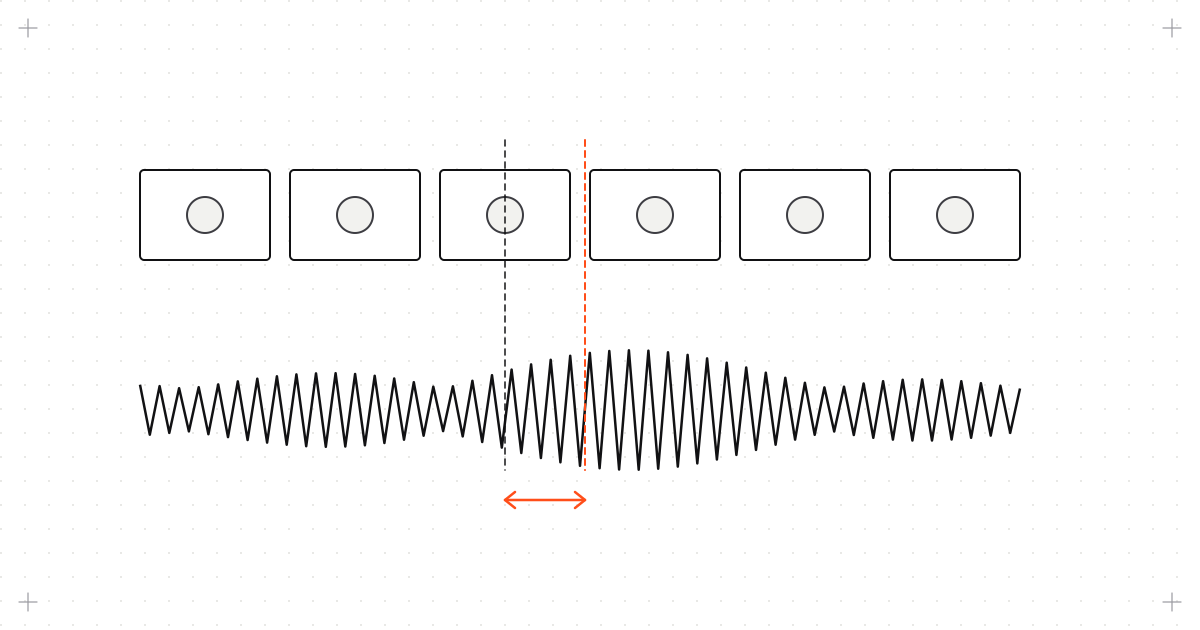
Out-of-sync sound often comes from processing in the TV or soundbar, not the stream. Work out which way it's off first, because most fixes only work one way.
CH 03Picture and Sound
Your TV, your streaming box and your plan each decide which HDR format reaches the screen. When one can't do Dolby Vision or HDR10+, you get HDR10.
CH 02Streaming Tips
Smart TVs can identify what's on screen, cable box and antenna included. Each brand names the off switch differently, and none of them reaches inside the apps.
CH 02Streaming Tips
When a 4K title plays in HD, the cause is your plan, your device or browser, the HDMI chain, your connection, or the title itself. Here is how to check each.
CH 02Streaming Tips
Every guide tells you how to disable something. This is the other list: the defaults with no switch at all, and the reason each one has none.
CH 03Picture and Sound
Zooming a 2.39:1 film to fill a 16:9 screen pushes roughly a quarter of the width off the edges of the panel, and softens everything that is left.
CH 03Picture and Sound
It is not a picture preset so much as the absence of one. It switches off your television's processing and restores the film's own geometry.
CH 03Picture and Sound
The usual advice is that you need HDMI eARC. For streaming that is wrong, and the setting actually blocking you is the TV's audio output.
CH 03Picture and Sound
The setting that makes films look like daytime television is named differently on every brand. Here is what to look for and where it lives.
CH 03Picture and Sound
On most televisions the Brightness control sets the black floor, not light output. Here is the setting that actually does, and three more.