CH 01How to Watch
How to Check When a Film or Show Is Leaving a Streaming Service
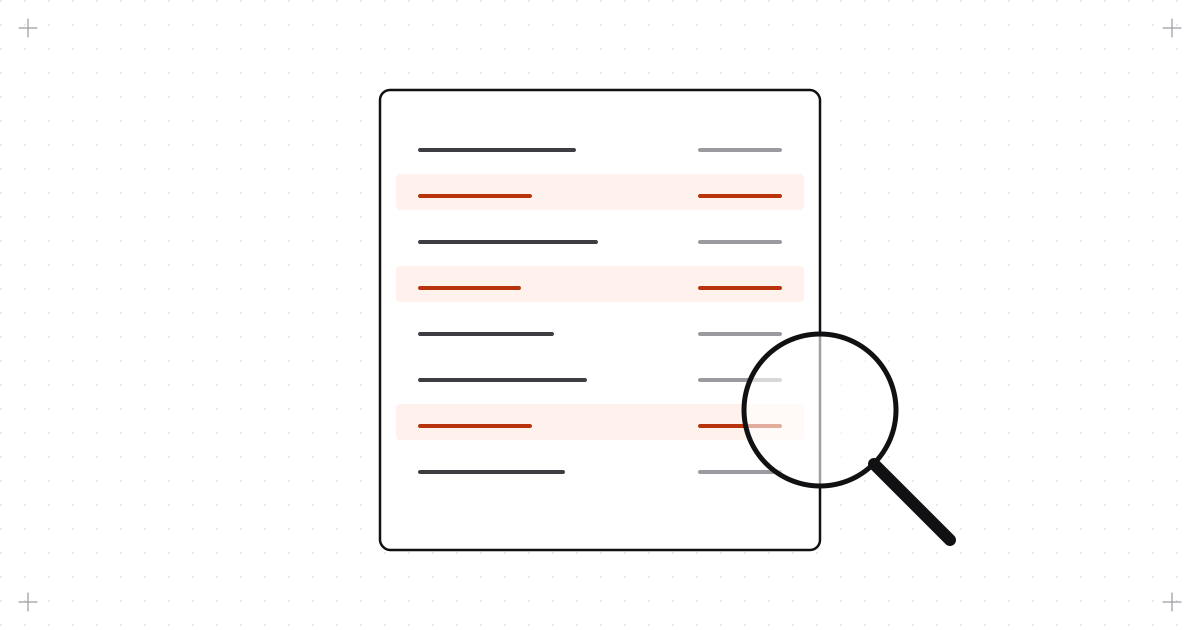
Netflix, HBO Max, Hulu and Tubi each flag departing titles in a different place. Prime Video, Disney+, Peacock and Paramount+ document no warning at all.
Topic subject
Topic notes
Streaming apps ship with defaults nobody asked for, and the switches that turn them off are buried, renamed between platforms, and frequently attached to a profile rather than to the account. That last detail is why people switch something off and find it apparently back the next day, on a service that never touched their setting.
The guides collected here give the exact menu path for each service and each device, written out as steps rather than described in prose, with the phone app, the browser and the television listed separately because they are genuinely different screens. Following an instruction written for one of the three while sitting in front of another accounts for a large share of the frustration around these controls.
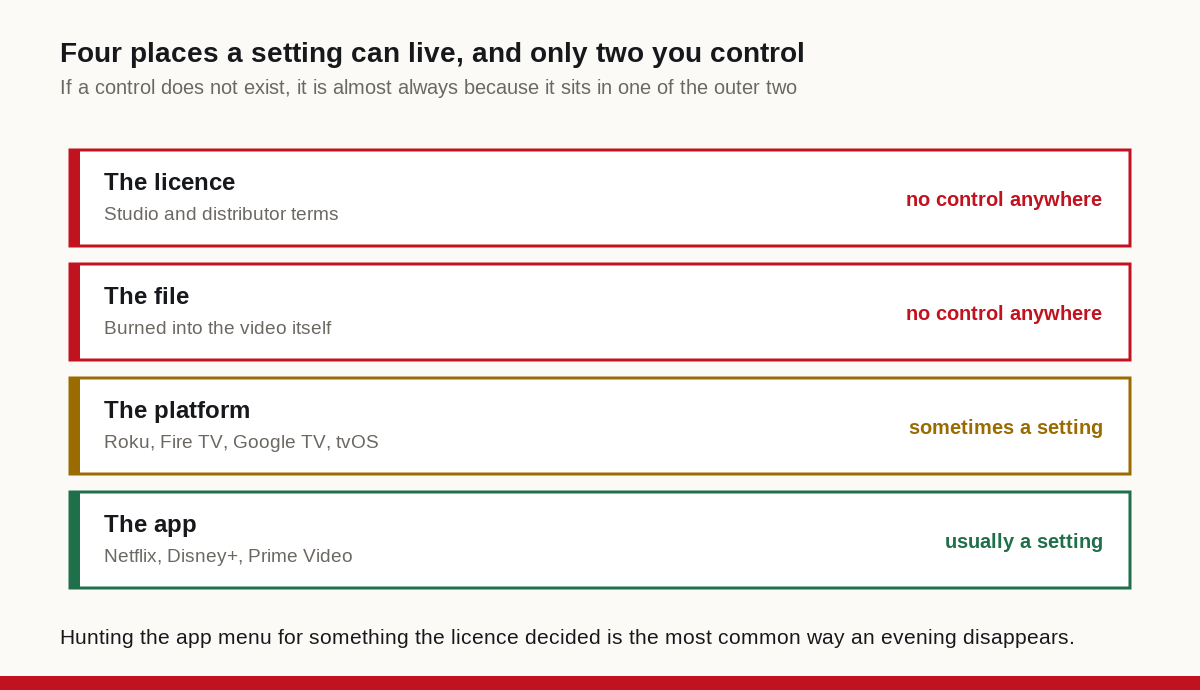
A second recurring surprise is that some of these settings are not in the app at all. Subtitle size, colour and background are an operating system setting on nearly every platform, which is why adjusting them once adjusts them across every service on that device, and why hunting for the control inside Netflix leads nowhere.
Where a service has removed a control, we say so plainly instead of sending you to a setting that no longer exists. Prime Video, for instance, exposes no switch for browse-screen previews on its television apps. That is an unsatisfying answer and it is the correct one.
CH 01How to Watch
Netflix, HBO Max, Hulu and Tubi each flag departing titles in a different place. Prime Video, Disney+, Peacock and Paramount+ document no warning at all.
CH 03Picture and Sound
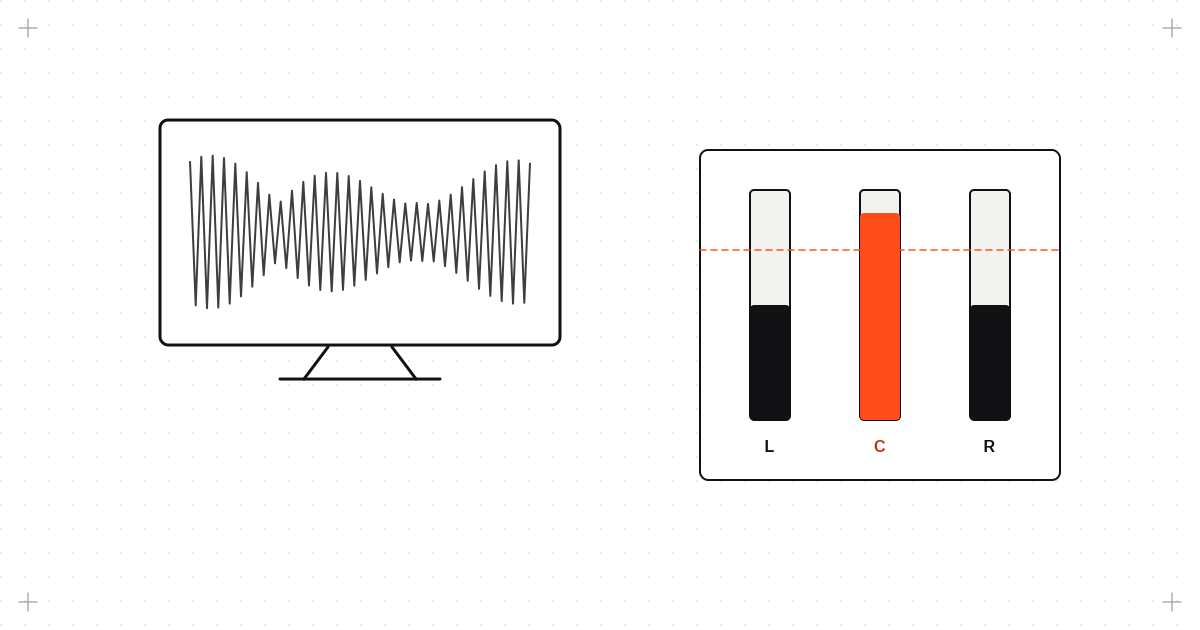
Quiet voices and loud explosions are built into how films are mixed. Two settings fix most of it, and every TV and streaming box names them differently.
CH 04Save Money
Streaming charges hide in Apple, Google, Amazon, Roku, PayPal and phone bills. Each keeps its own list, and the cancel button only works where you're billed.
CH 03Picture and Sound
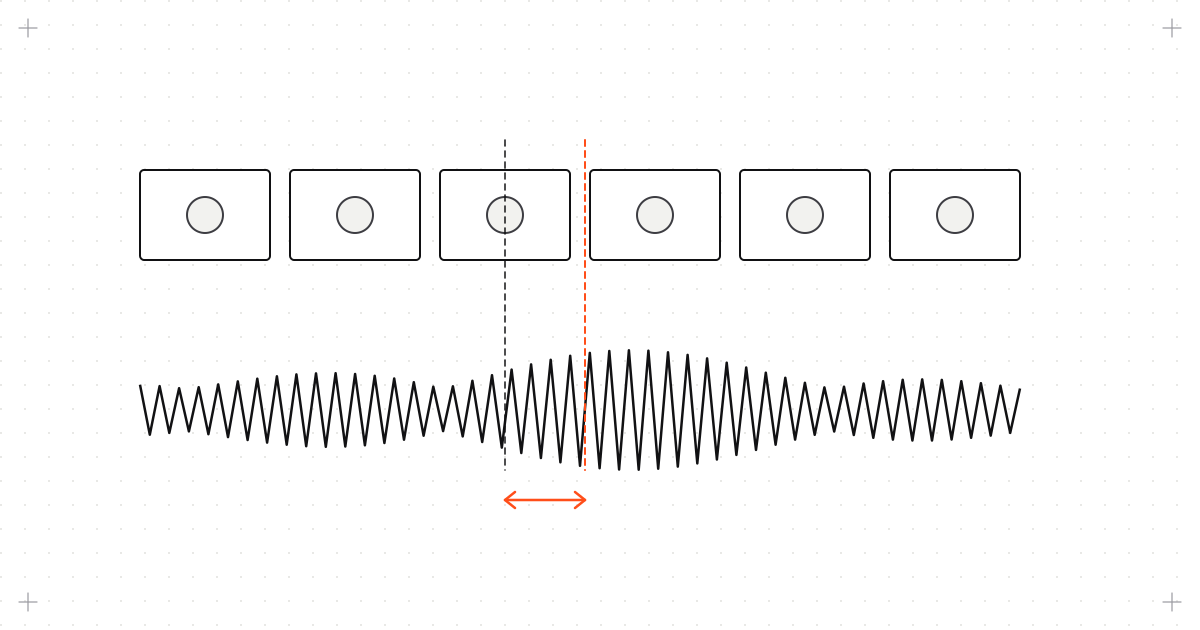
Out-of-sync sound often comes from processing in the TV or soundbar, not the stream. Work out which way it's off first, because most fixes only work one way.
CH 03Picture and Sound
Your TV, your streaming box and your plan each decide which HDR format reaches the screen. When one can't do Dolby Vision or HDR10+, you get HDR10.
CH 02Streaming Tips
Smart TVs can identify what's on screen, cable box and antenna included. Each brand names the off switch differently, and none of them reaches inside the apps.
CH 01How to Watch
Streaming apps pick a starting audio track from your app or profile language. Here is how each service chooses, where to switch back, and whether it sticks.
CH 02Streaming Tips
When a 4K title plays in HD, the cause is your plan, your device or browser, the HDMI chain, your connection, or the title itself. Here is how to check each.
CH 02Streaming Tips
Every guide tells you how to disable something. This is the other list: the defaults with no switch at all, and the reason each one has none.
CH 01How to Watch
Most spoilers come from the app, not from other people. Thumbnails, next-episode previews and promotional clips are the three worst offenders.
CH 02Streaming Tips
Subtitle size, colour and background are a device setting rather than an app setting, so changing them once changes them in every app on that device.
CH 02Streaming Tips
Fourteen codes to start with, and the ten-second method for confirming any code against Netflix itself instead of trusting a list.
CH 02Streaming Tips
Two clocks can run on a download, and the shorter one starts only when you press play. Only one big service publishes both numbers, and two publish no number at all.
CH 02Streaming Tips
Prime Video's television apps cannot remove a title at all, and Netflix's control is missing from some older TV apps, which is where most people try first.
CH 02Streaming Tips
Artwork is chosen by testing which image gets the most clicks, and a dramatic still tests well whether or not it gives something away.
CH 02Streaming Tips
Netflix keeps two separate autoplay settings, and both live on the profile rather than the account, which is why switching one off looks like it did not save.